
Apple Health
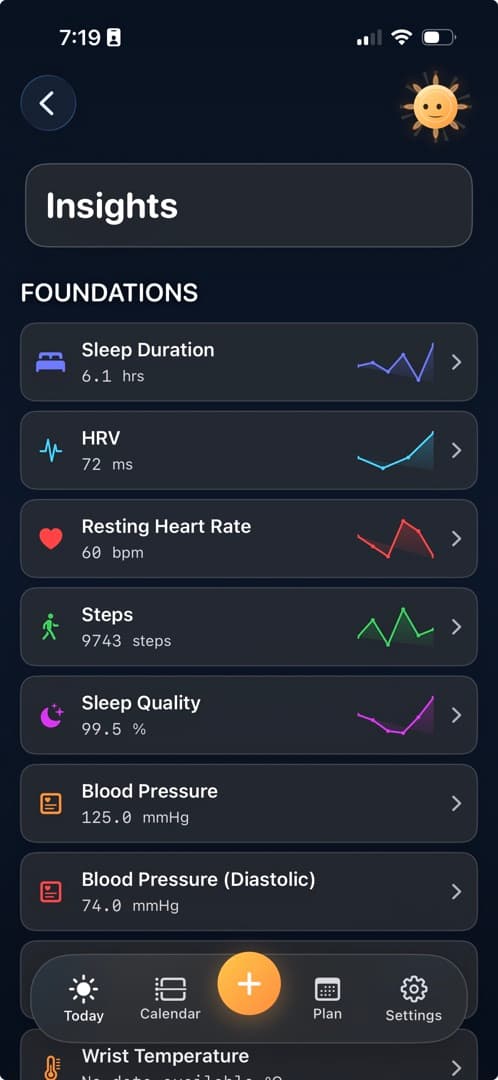
The foundation for workouts, heart rate, sleep, activity, and the health signals you choose to share with Diorama.
Integrations
Choose which Apple Health records Diorama can read. Add calendar commitments to help plan training around the time you have.
Bring context in
The foundation for workouts, heart rate, sleep, activity, and the health signals you choose to share with Diorama.
Use calendar commitments when deciding where training fits in your week.
Useful beyond the app
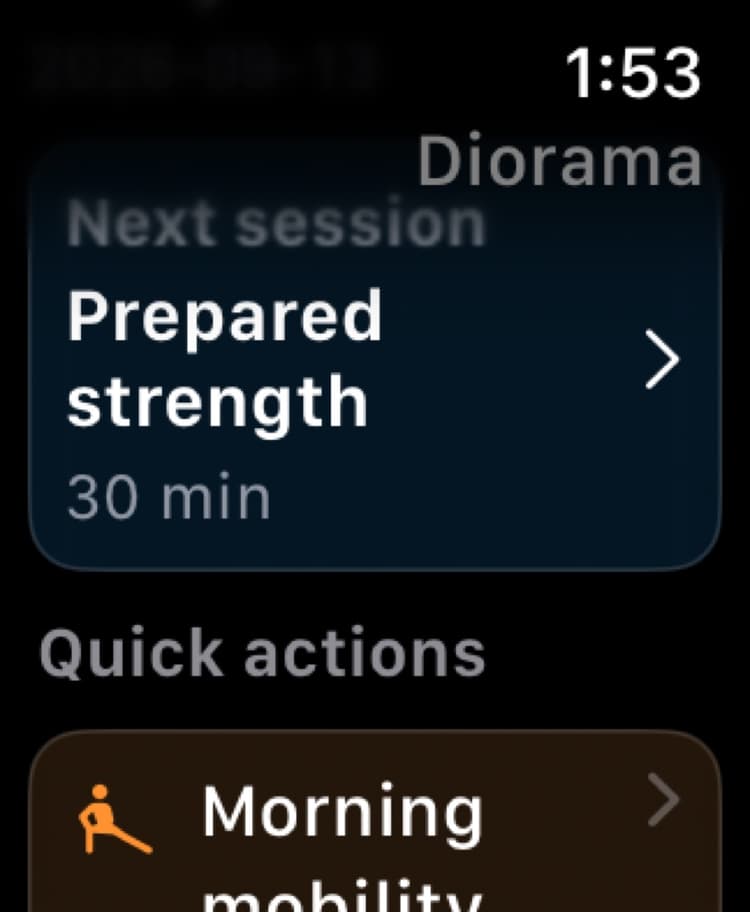
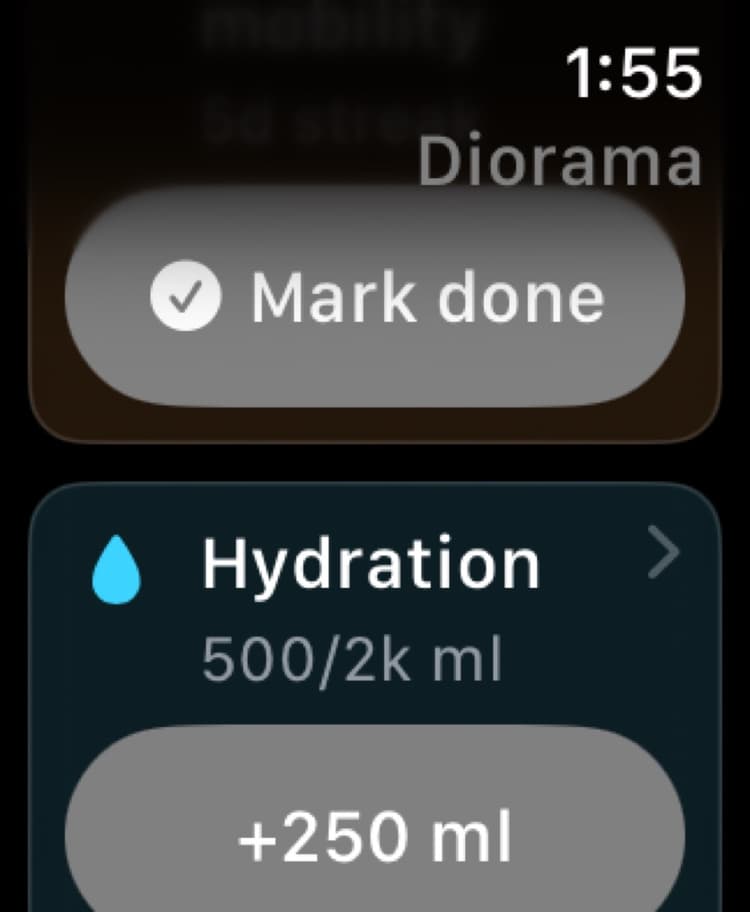
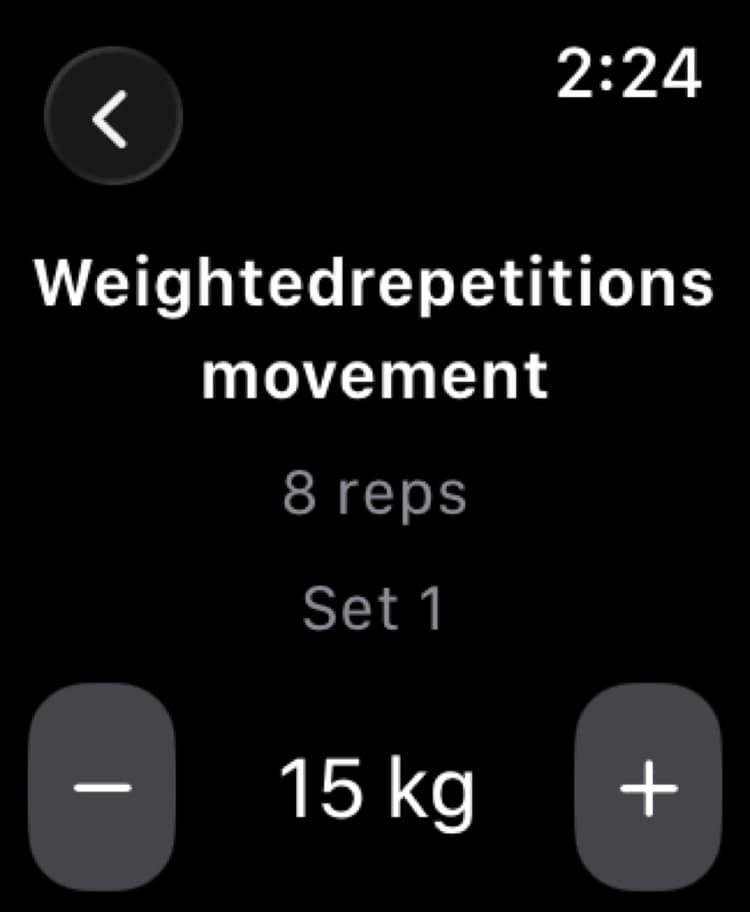
Use widgets to check readiness and habits from your Home or Lock Screen. Use Apple Watch for habit actions and prepared strength sessions.
Keep readiness, recovery, habits, selected signals, and access to Ray visible without opening the full app.
Check your next planned session, complete a manual habit, or log a configured intake amount. For strength sessions prepared on iPhone, record sets and follow rest periods on your wrist.
Prepare workouts and configure habits on iPhone. Available Watch actions depend on the habit type; records read from Apple Health remain read-only.
Local-first
Core health and training records stay on your device. You choose permissions for Apple Health and Calendar, and can change them in Settings.