
01

01
From saved context to session
Remembered details become practical choices.
Review what Ray remembers, see it reflected in a proposed session, then choose what to save. You can edit or remove saved facts whenever you need to.
Example · not a real exchange
- You save two details: “I need seated strength options” and “I only have resistance bands.”
- In a new conversation, you ask for a strength session. Ray uses those saved details alongside your recent training and recovery to propose exercises and targets.
- You review the exercises, equipment, and explanation before adding the session to your plan. You can edit the details or dismiss the proposal.
What Ray can do
- Uses your saved abilities, limitations, equipment, and preferences
- Reads training, sleep, HRV, habits, pain, and other signals
- Finds an open calendar slot and proposes a session move
- Proposes structured sessions, including strength and other workout types
- Explains why it suggested a change
02
Questions for your training
Questions tied to the screen you are looking at.
The app includes 1,257 suggested questions, each attached to the screen or signal where it belongs. Here are twelve.
1,257
suggested questions
66
signals understood
9
Siri shortcuts
Tap a question on iPhone to open it directly in Ray.
03
Connected features
Tools Ray can use with your training plan.
Ray can read trends, find a calendar gap, build a structured workout, or reshape a training week. Anything that changes your plan waits for your confirmation.

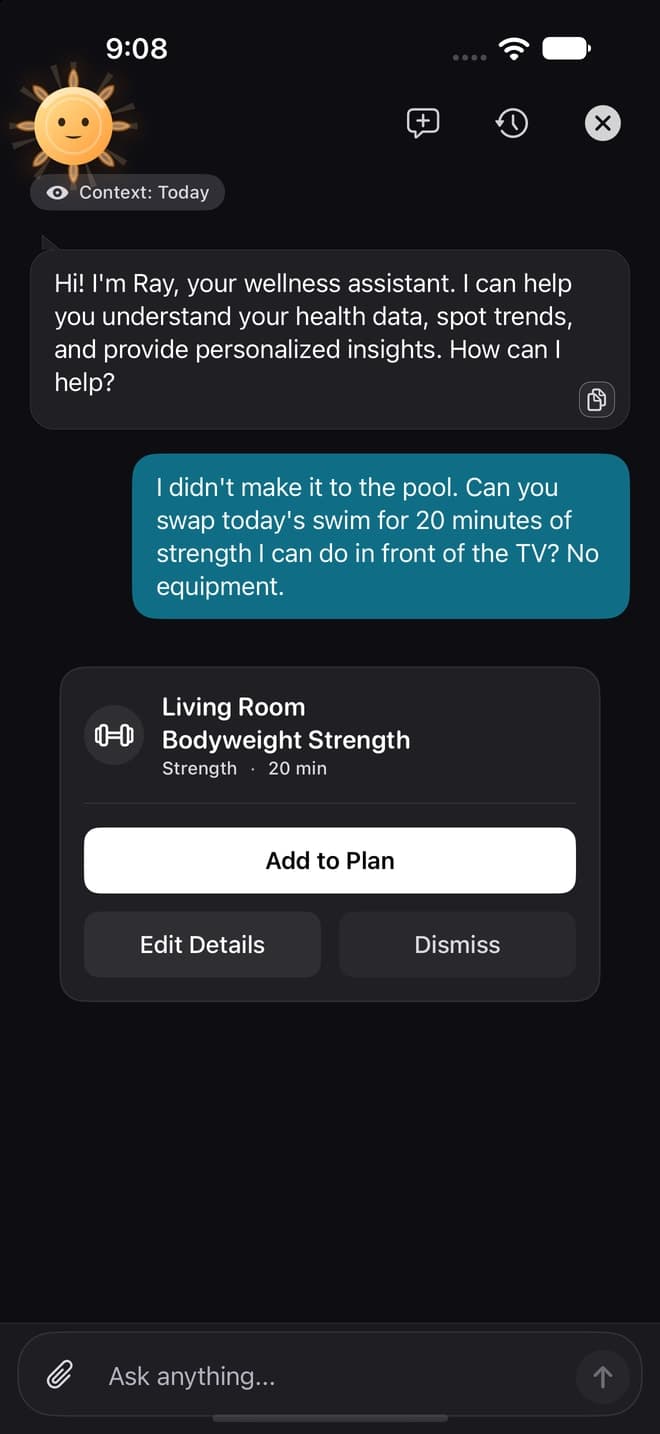
The human stays in the loop
Ray proposes. You confirm.
02
Answers from Diorama field notes
03
Builds a structured workout
04
Adds a session to your plan
05
Rearranges your week
06
Finds space in your calendar

04
Plans that adapt
Every proposed change includes the reason.
Why this session
Explainable adaptation.
Explainable adaptation means Diorama adjusts today's session to how you're actually recovering — and then tells you exactly why. If your heart-rate variability is down, you slept poorly, you logged soreness, or your recent load spiked, the session changes, and the reason is written in one plain sentence you can read before you start.
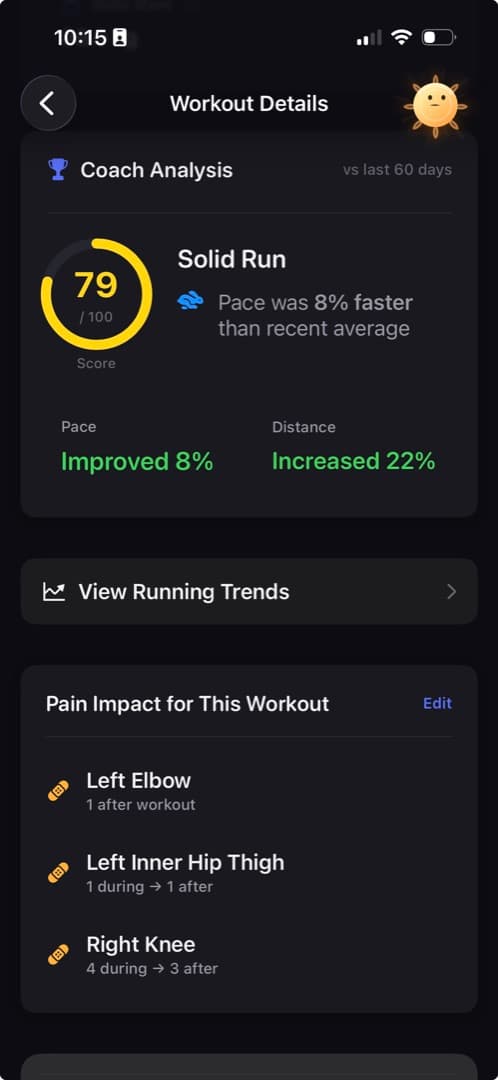
From conversation to Apple Watch
Follow the plan on Apple Watch.
Structured runs, rides, and swims go to Apple Workout on your watch; the finished workout links back into the plan. Handoff requires a compatible paired Apple Watch and supported iPhone and watch software. Strength sessions do not export as structured Apple Workout sessions.
05
Your signals, from any screen
Ray reads the context behind the question.
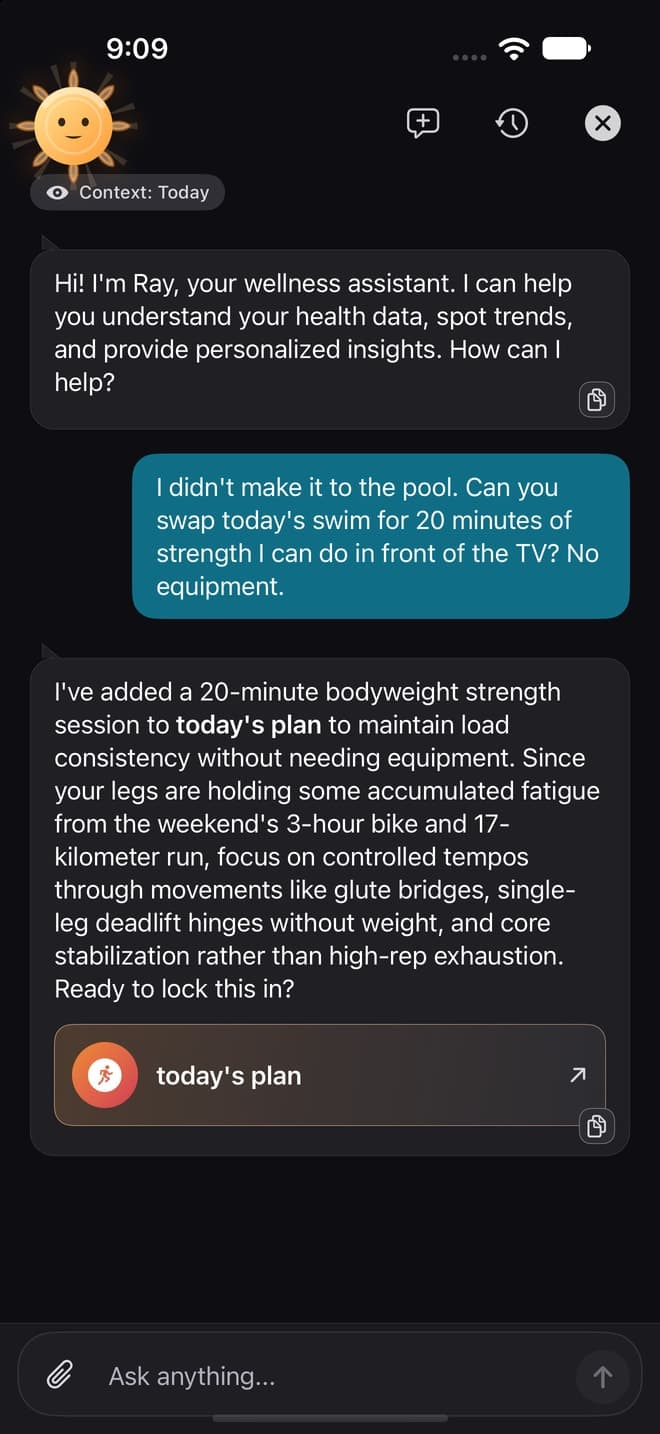
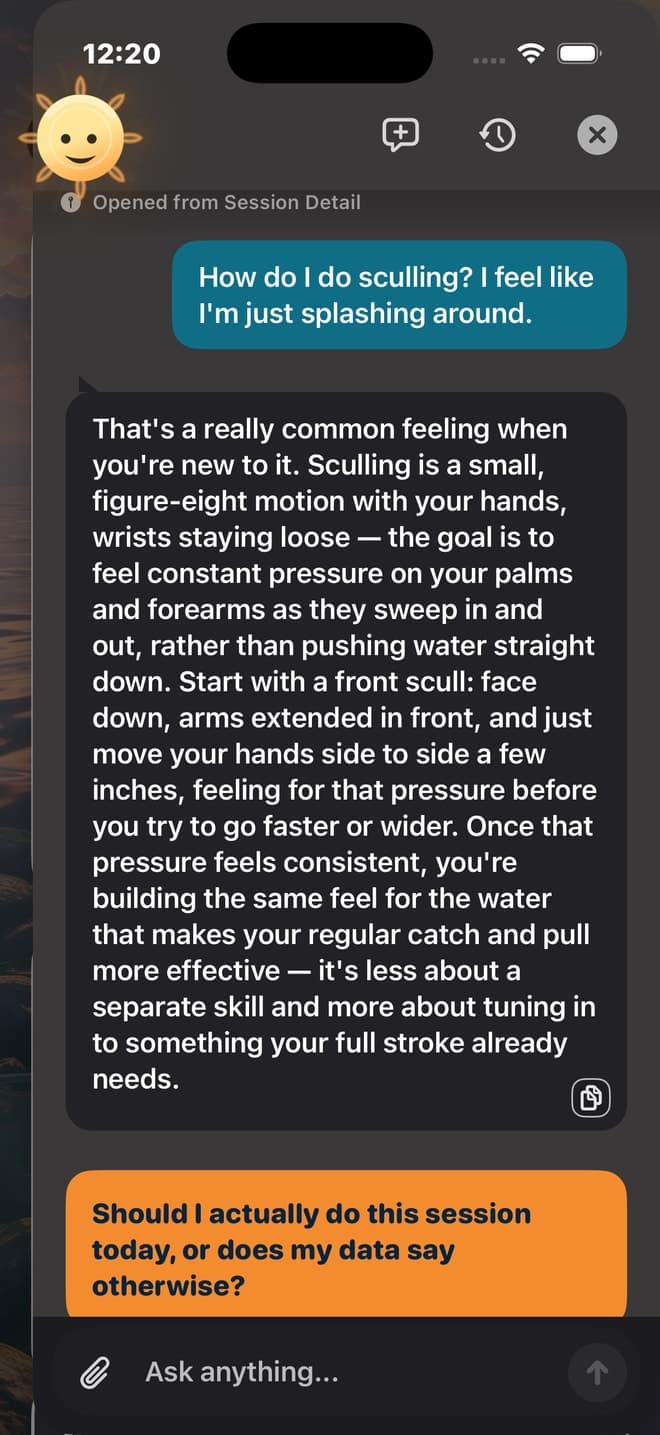
Training, sleep, HRV, habits, and pain can travel with the question. Each screen adds its own context before the conversation begins.
Heart Rate Variability (HRV)
Signal 01
VO2 Max
Signal 02
Sleep Stages
Signal 03
Aerobic Decoupling
Signal 04

06
Private by design
AI is optional.
Ray and AI features
Turn off Ray and AI features in Settings to stop AI requests. Other premium features remain available.
When Ray uses cloud AI, it sends your message and relevant app context to Diorama's server and a secure Google AI service for that request. Diorama does not keep readable prompt or response content after serving it. Google does not use Diorama's data to train or fine-tune its models. Google may cache parts of a request, encrypted, for up to 24 hours to speed up later requests, and may retain a prompt for up to 90 days if its safety systems flag it for suspected abuse. When AI is off, AI requests stop; analytics and other app features follow their own settings.
- Explains AI processing during onboarding
- Off stops AI requests
- Premium keeps working with AI off
On supported phones with Apple Intelligence enabled and iOS 26 or later, premium Ray chat can answer some questions on the device. Requests that change your plan are sent to Diorama's server. If on-device chat is unavailable, Ray uses cloud AI instead, when AI is enabled.
PremiumiOS 26+On-device answers
07
Ask Siri
Nine shortcuts for common actions.
“Hey Siri, ask Diorama to give me a daily summary”
“Hey Siri, ask Ray in Diorama”
“Hey Siri, open today's workout in Diorama”
Log sorenessLog moodCheck-inWorkout noteCare team summaryComplete habit
Ray also lives in Control Center, Today and signal widgets, and Spotlight search.
Care team reports
Prepare a summary for your physio, physician, or coach. Open it when you are ready to share.
Photos
Share a workout, screen, or injury photo straight into chat.
Memory
Your profile memory screen shows what Ray retained and lets you change it.