
You share something that matters.
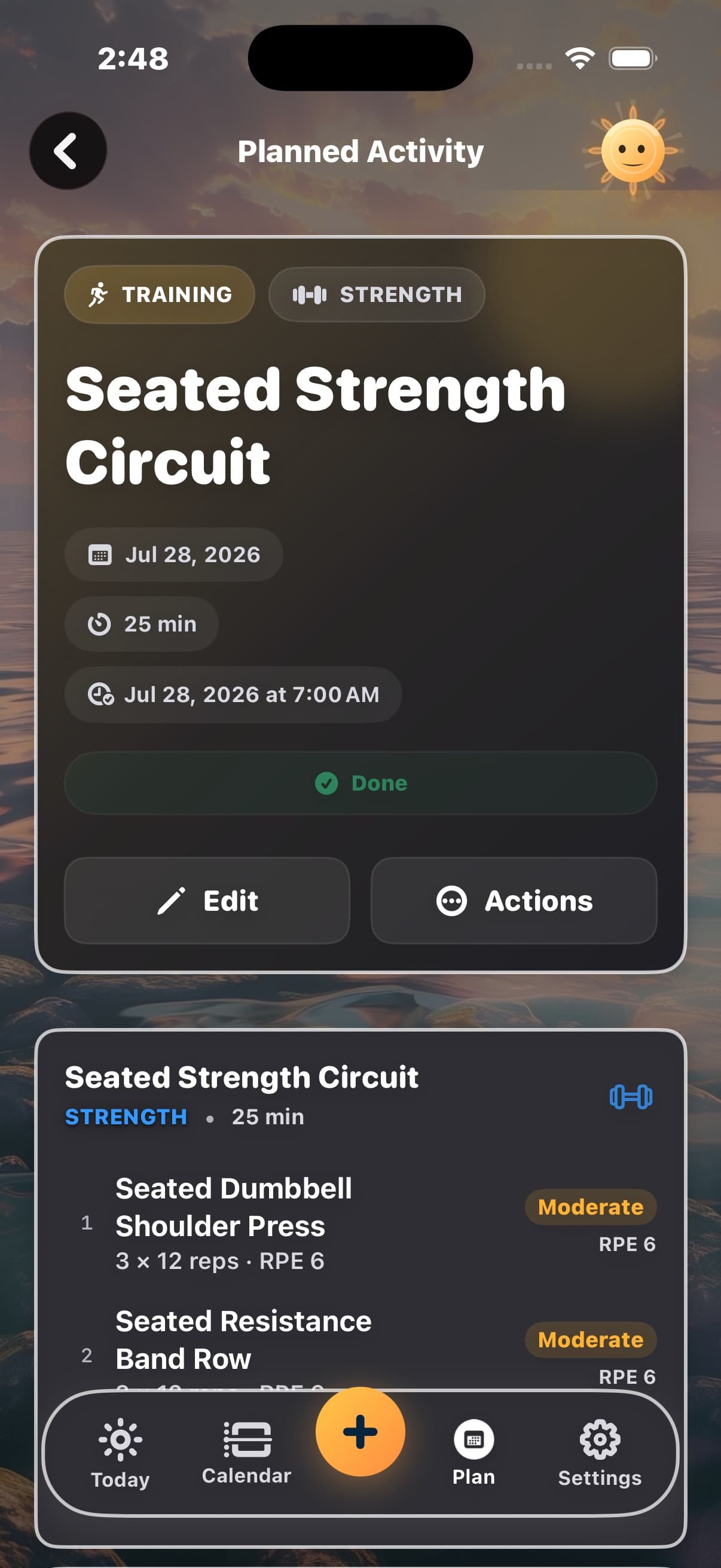
Tell Ray “I’m a wheelchair racer,” “I need seated strength options,” or “I only have resistance bands at home.” No long intake required.
For more ways to move
Tell Diorama about the movement options, equipment, and physical limitations that matter to you. Ray remembers the details you choose and uses them when proposing sessions.
Review, edit, or remove what Diorama remembers.
How it works
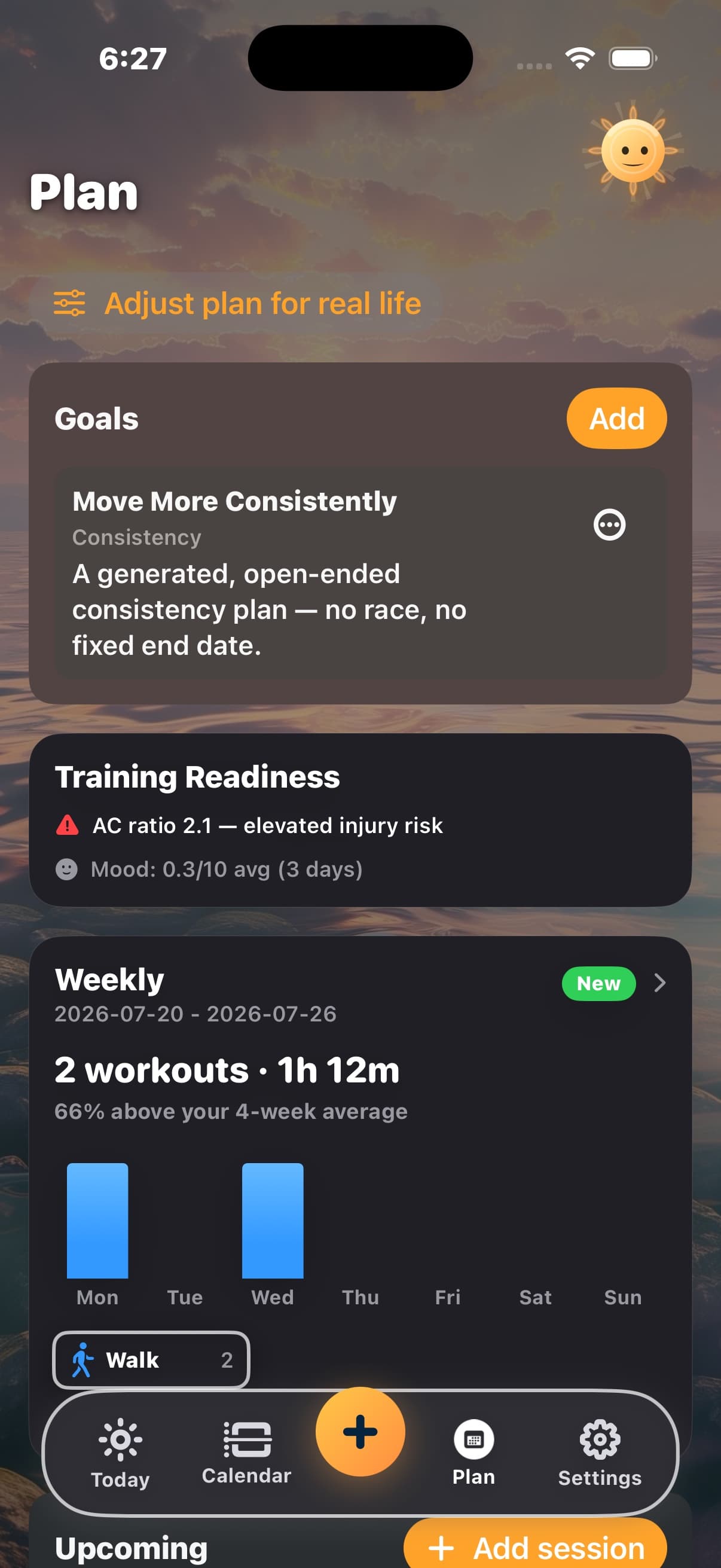
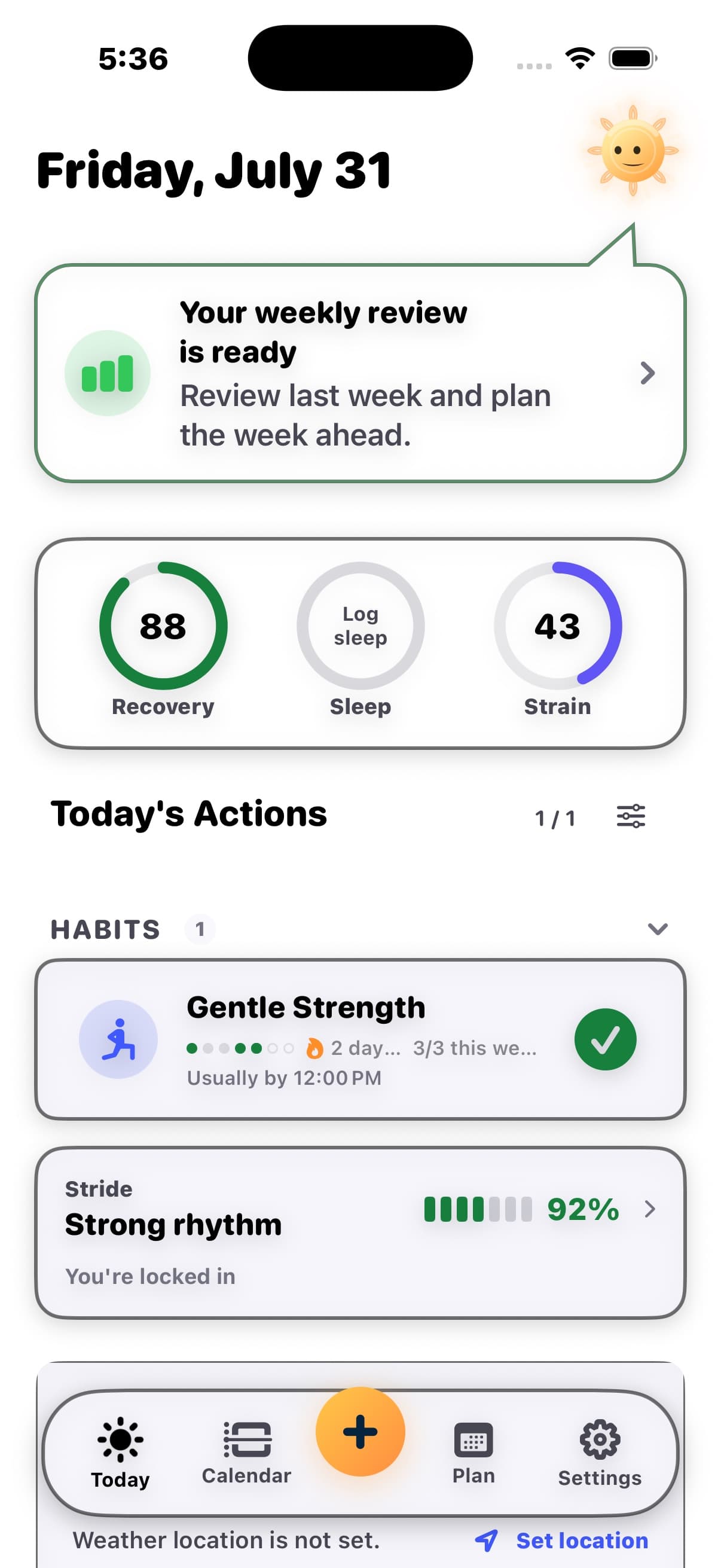
Tell Ray what matters, such as “I need seated strength options” or “I only have resistance bands at home.” Review what it remembers, then ask for a session. Ray includes relevant saved context when generating the proposal. Review the exercises, equipment, targets, and explanation before adding it to your plan. You can review, edit, or remove saved facts whenever you need to.
Tell Ray “I’m a wheelchair racer,” “I need seated strength options,” or “I only have resistance bands at home.” No long intake required.
The details stay on your device and remain yours to review, edit, or remove.
Ray uses relevant saved context to propose a structured session. Review the exercises, equipment, and targets before adding it to your plan.
The quiet assumption
Your movement options and the equipment you use matter beyond a single conversation. A seated strength session needs different exercise choices; a wheelchair-racing interval may need pushes or duration rather than steps. Diorama carries your context into planning and keeps the activity’s real identity in tracking.
A wheelchair-racing interval, pool workout, or seated strength session can end with almost no steps.
A sport, disability, or individual response can make a demanding workout look easy to an app.
Training to compete, supporting mobility, and rebuilding strength deserve more than “Other.”
A hard session should not disappear because the app watched the wrong metric.
What changes
Instead of
Your activity flattened to “Other”
Diorama
Keeps its real Apple Health type, name, and icon, including wheelchair racing, swimming, and strength work.
Instead of
0 steps treated as an inactive day
Diorama
Uses pushes, wheelchair distance, active minutes, or duration when those metrics apply.
Instead of
“Low effort” because heart rate stayed low
Diorama
Uses other measures when heart rate is not a useful guide, after you explain what matters.
Instead of
Mobility work judged against a pace goal
Diorama
Keeps your goal in view, whether you are training to compete, supporting daily life and mobility, or rebuilding strength.
Instead of
A coach that forgets last week
Diorama
Remembers the details you choose across coaching requests, so you do not have to repeat them.
Instead of
Sensitive context becoming an ad profile
Diorama
Stores profile facts locally and keeps their content out of routine behavioral analytics.
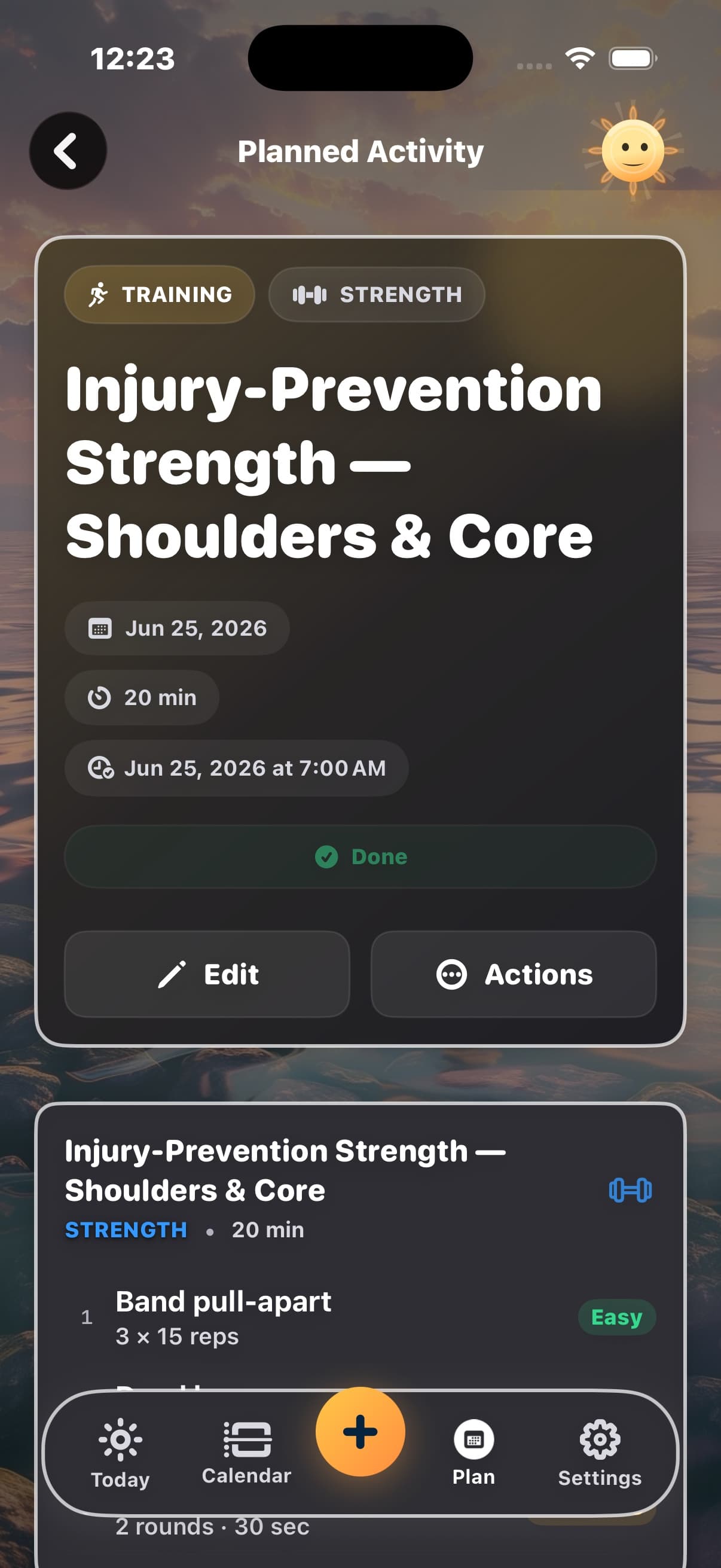
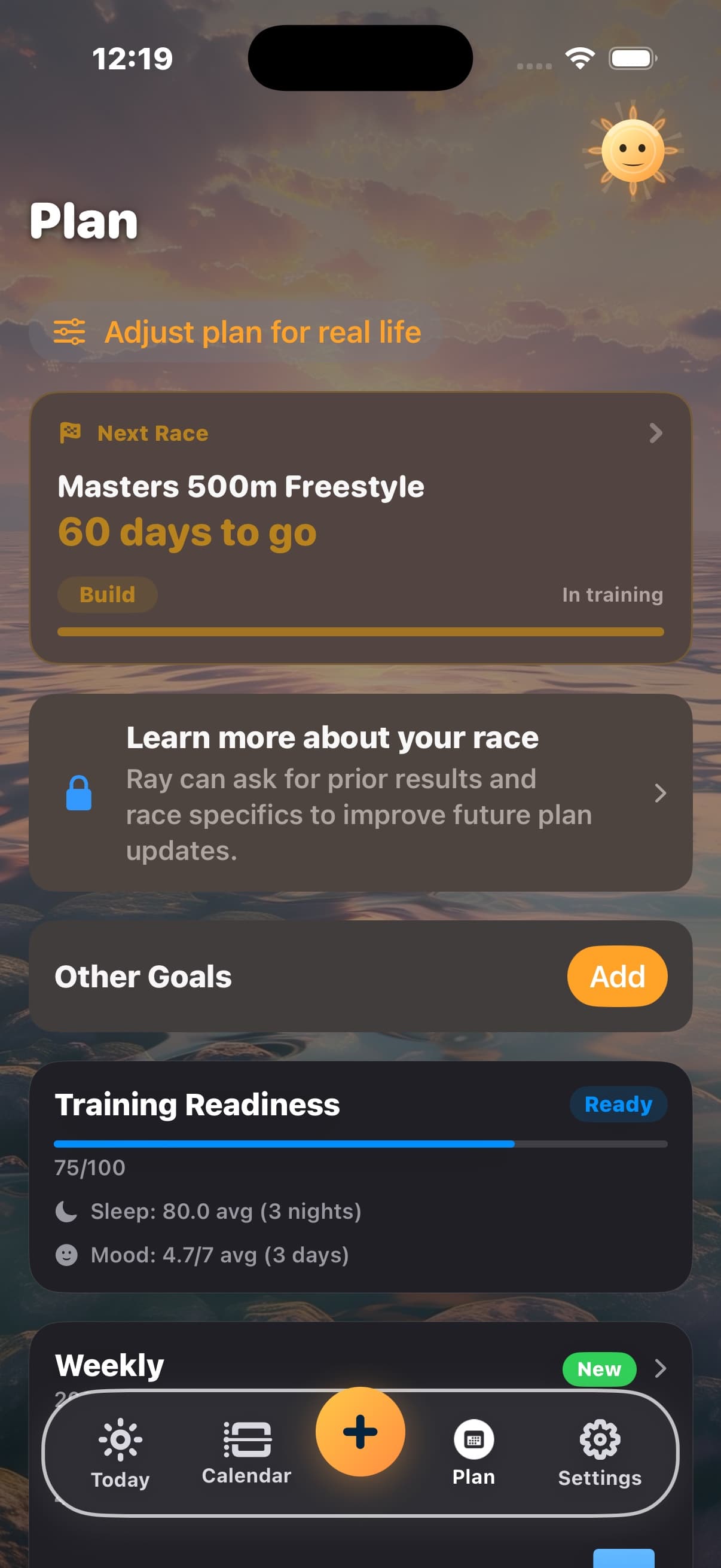
Goals · readiness · strength
Who it is for
Four examples, from competitive para sport to everyday mobility. Each starts with a different goal and a different definition of progress.
Wheelchair racer
Training to compete
Intervals, pushes, and recovery can guide coaching without a step count standing in for training load.
Older adult building strength and mobility
Moving on their terms
Short walks, sit-to-stands, balance work, and seated strength can be tracked against the goals that matter to them.
Para swimmer
Training by effort
Pool sessions and recovery stay central, with coaching shaped by the athlete’s own context and goals.
Returning to strength work
Building a routine
Seated strength and the sessions that fit this week count without assuming distance racing is the goal.
Private by design
Profile facts are stored on your device. Relevant context accompanies cloud AI requests when an AI feature runs, while sensitive profile content stays out of routine behavioral analytics.
Questions
Diorama is for anyone whose movement, health, or goals are poorly served by the default fitness-app mold. Wheelchair racers, para swimmers, other disabled athletes, older adults, beginners, and people training around injuries or changing schedules can all give it the details that matter, while serious endurance athletes can use it for structured race training. There’s no separate mode to enable.
No. Diorama starts with sensible defaults and learns from normal conversation, only when you choose to tell it something.
Diorama uses the facts you provide. Saying that you are a wheelchair racer can change language and movement metrics, but it does not imply anything about transfers, floor work, or other capabilities. You choose what to share, one context at a time.
Profile facts are stored on your device. When you use Ray, relevant context accompanies that AI request so the answer can fit you. Profile-fact content and health values are not sent to routine behavioral analytics.
Ray includes relevant saved abilities, limitations, equipment, and preferences when generating sessions, including strength and other workout types. Review the proposal before adding it to your plan, and update what Ray remembers when your needs change.
Start with sensible defaults, then add details only when they matter.